Your RV repair shop can sell parts while the bays are full.
Let customers buy approved parts and accessories through your own branded store. Anyweb connects a practical catalog, shop pickup and eligible supplier-direct ordering while keeping service inquiries and parts purchases easy to distinguish.
Free first look. Scope, connections and costs agreed before a production build.
CommerceCONCEPT
Illustrative concept · Built around your business
YOUR BRANDA shop built around what you sell.
01
Begin with a curated parts counter
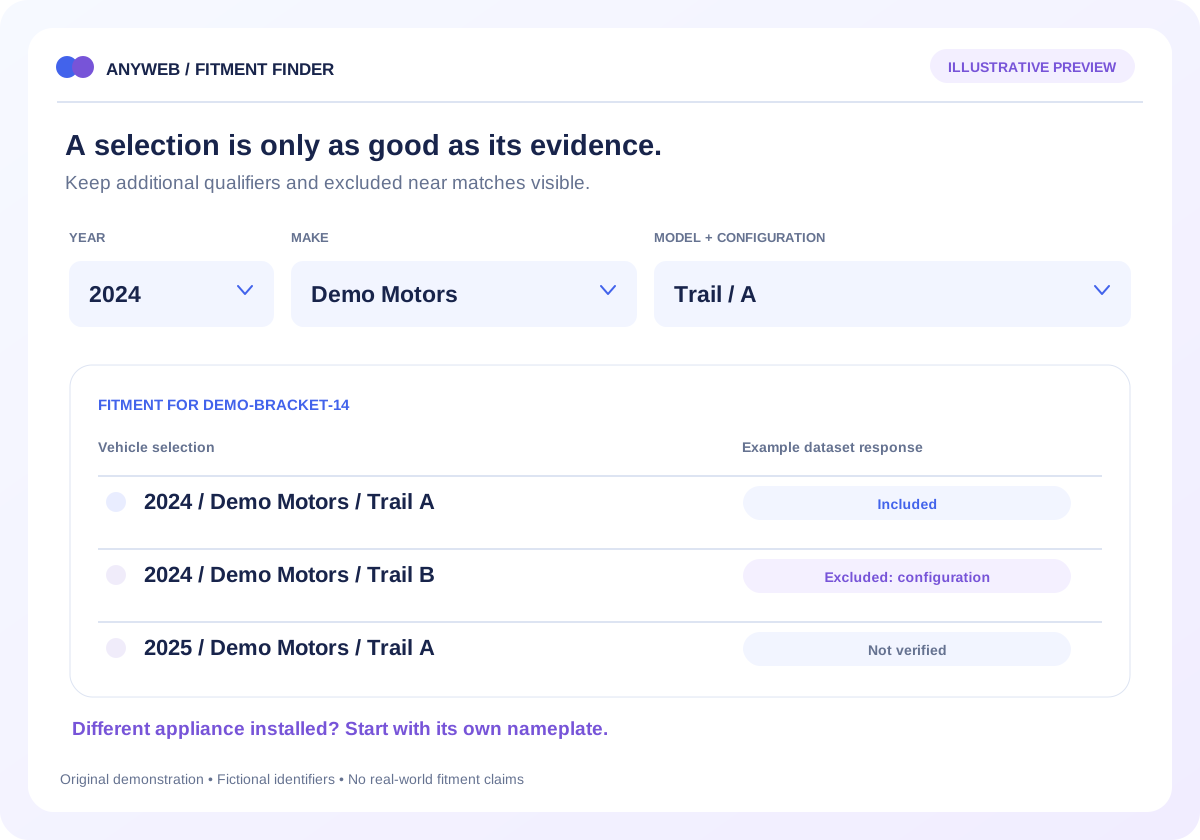
Start with the components and accessories your team knows well. Organize categories around customer problems and appliance families, then include identifiers and fit notes you can support. A smaller reliable catalog is easier to manage than a broad assortment with uncertain compatibility.
02
Separate pickup stock from supplier stock
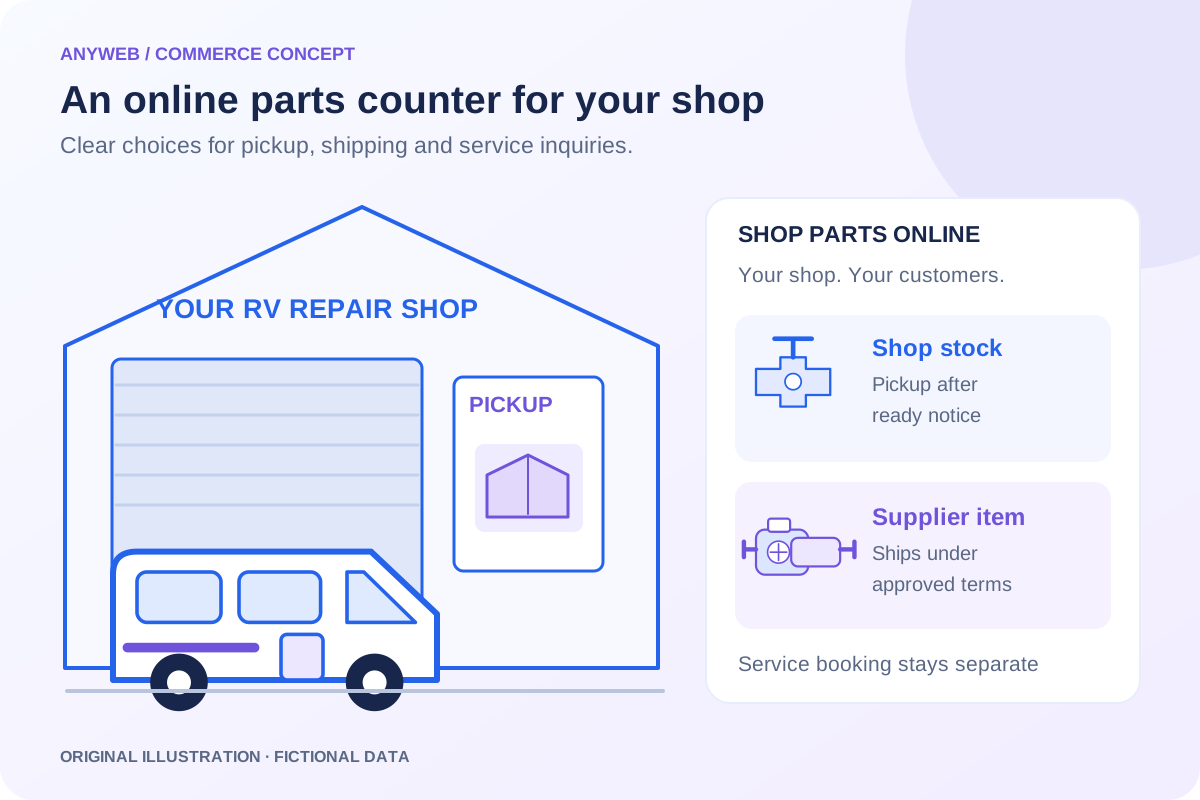
Show which items are held at the shop and which ship through an approved supplier. Configure pickup locations, processing expectations and ready-for-pickup notifications. Supplier availability should never imply that a part is already sitting at your counter.
Shop-stock pickup where configured
Supplier-direct shipping for eligible items
03
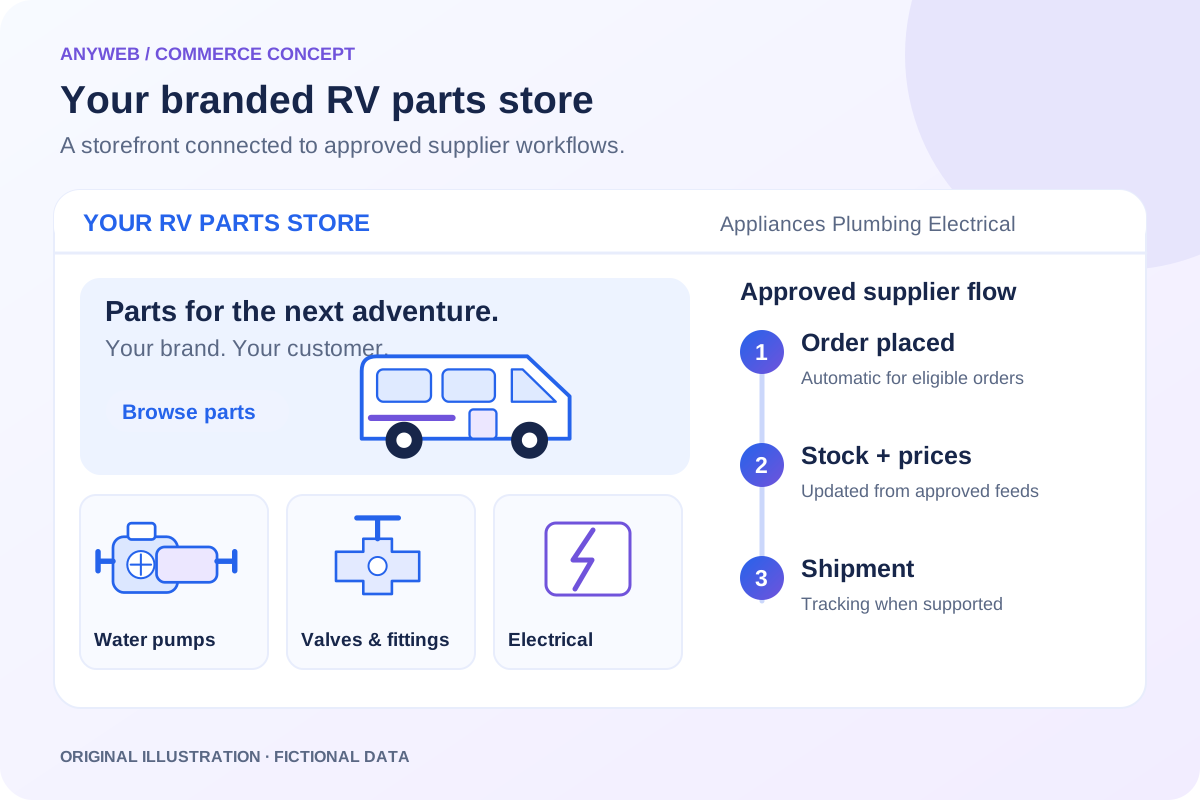
Automate the approved supplier workflow
For approved integrations, eligible supplier orders are placed automatically and inventory and prices update automatically. Local stock needs its own inventory authority. Mixed orders, bulky freight, supplier rejection and restricted destinations require clear rules before customers are shown a delivery promise.
04
Connect commerce to your service business
Keep your phone number, service request and installation inquiry easy to find. Buying a part does not automatically reserve a repair bay. Your store collects sales revenue at your chosen retail prices; costs, refunds and ongoing operations determine profit. Staff still own fitment questions and customer care.
A CONCRETE FIRST LOOK
Illustrative repair-shop order options
Illustrative data, designed to make the workflow easier to discuss.
SAMPLE WORKSPACE
Illustrative repair-shop order options; fictional example data
Item
Stock source
Customer expectation
Maintenance seal
Shop stock
Pickup after ready notice
Replacement pump
Approved supplier
Ships under supplier terms
Installation service
Service inquiry
Appointment confirmed separately
Fictional assortment. No pickup time, supplier acceptance or delivery date is guaranteed by this example.
FROM IDEA TO A WORKING PROCESS
A clear path through the work.
Each step makes the dependencies, decisions and handoffs visible.
01
Choose the initial assortment
Select familiar categories, approved suppliers and local stock items.
02
Preview the shop experience
Review branded product pages, pickup guidance and service-request links.
03
Test fulfillment paths
Check pickup preparation, automatic supplier placement and exception handling.
REAL WORK. CLEAR CONTEXT.
Explore the relevant building blocks.
These references show related experience. The solution above is a proposed direction, and its exact scope is agreed for your project.
The case study demonstrates branded categories and part details, relevant to an online parts counter. It does not establish a repair-shop pickup workflow.
What is possible depends on your data, existing systems and the way your business works.
Do I need to stock every listed part?
No. Approved supplier-direct products can extend your catalog, while selected shop stock supports pickup. Each item needs an accurate fulfillment promise.
Can customers order for pickup?
Yes, when the location and inventory setup support it. Customers should wait for the ready notification rather than treating checkout as immediate availability.
Can this use my existing domain?
We can assess a shop section, subdomain or storefront migration. The approach should preserve useful service pages and account for redirects and existing systems.
Will it book installation automatically?
Only if separately scoped and connected to a supported scheduling process. A parts order alone should not create an unconfirmed service commitment.
Launch a branded RV parts store with approved supplier feeds, automatic order placement, inventory updates and pricing rules. See a free Anyweb preview.
Replace manual supplier stock updates with SKU matching, stock buffers, freshness checks and controlled Shopify inventory updates built for your catalog.