IDENTIFY / VERIFY / FINDIllustrative concept · Built around your business
Model dataPart recordsReviewed links
Fitment starts with the data
Help customers narrow the catalog to their vehicle.
A year, make and model selector is useful when it reflects documented fitment. Anyweb can connect your authorized compatibility dataset to Shopify browsing and product pages, with the extra qualifiers needed to avoid treating every similar vehicle as the same.
Free first look. Scope, connections and costs agreed before a production build.
A CONCRETE FIRST LOOK
A near match should stay excluded
Illustrative data, designed to make the workflow easier to discuss.
SAMPLE WORKSPACE
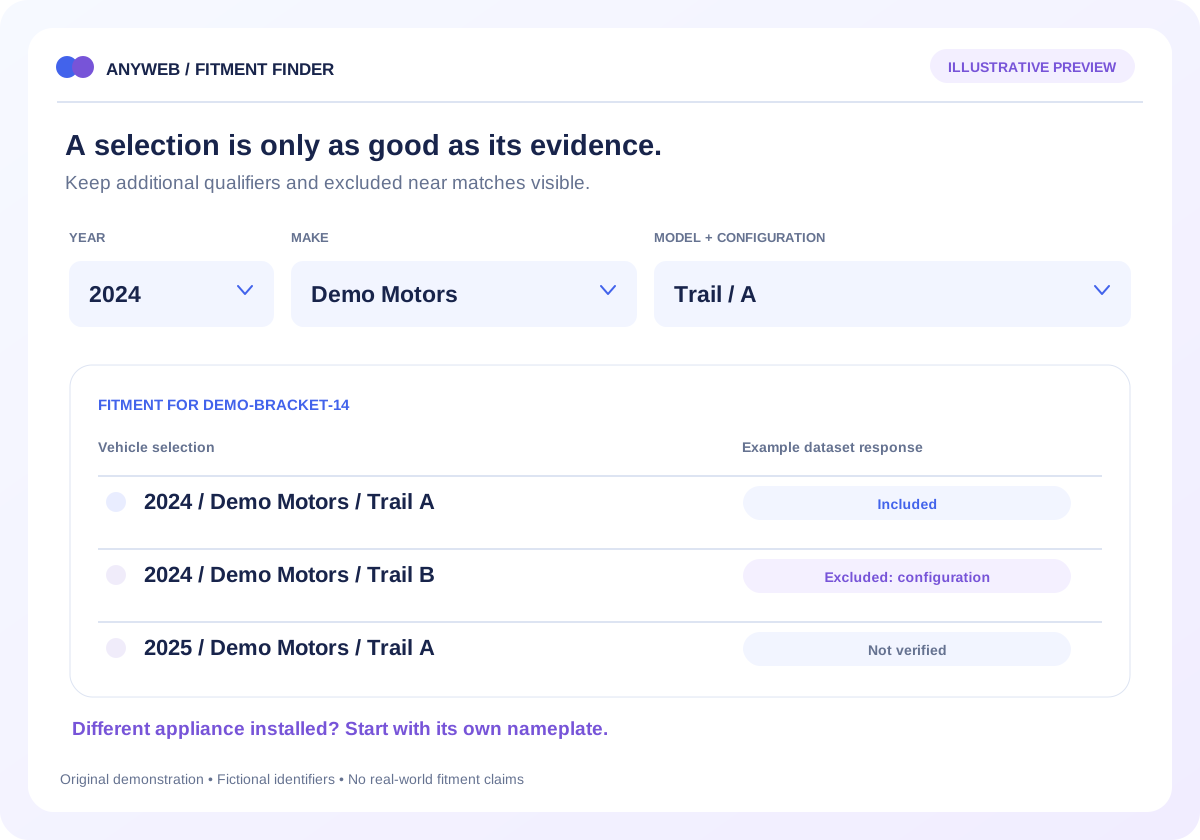
A near match should stay excluded; fictional example data
Fictional vehicle
Selected part
Fitment status
2024 Demo Motors Trail / A
DEMO-BRACKET-14
Included in example dataset
2024 Demo Motors Trail / B
DEMO-BRACKET-14
Excluded: configuration B
2025 Demo Motors Trail / A
DEMO-BRACKET-14
Not verified in example dataset
All vehicle names and part numbers are fictional. These rows illustrate rules, not actual fitment.
01
Choose the correct identification path
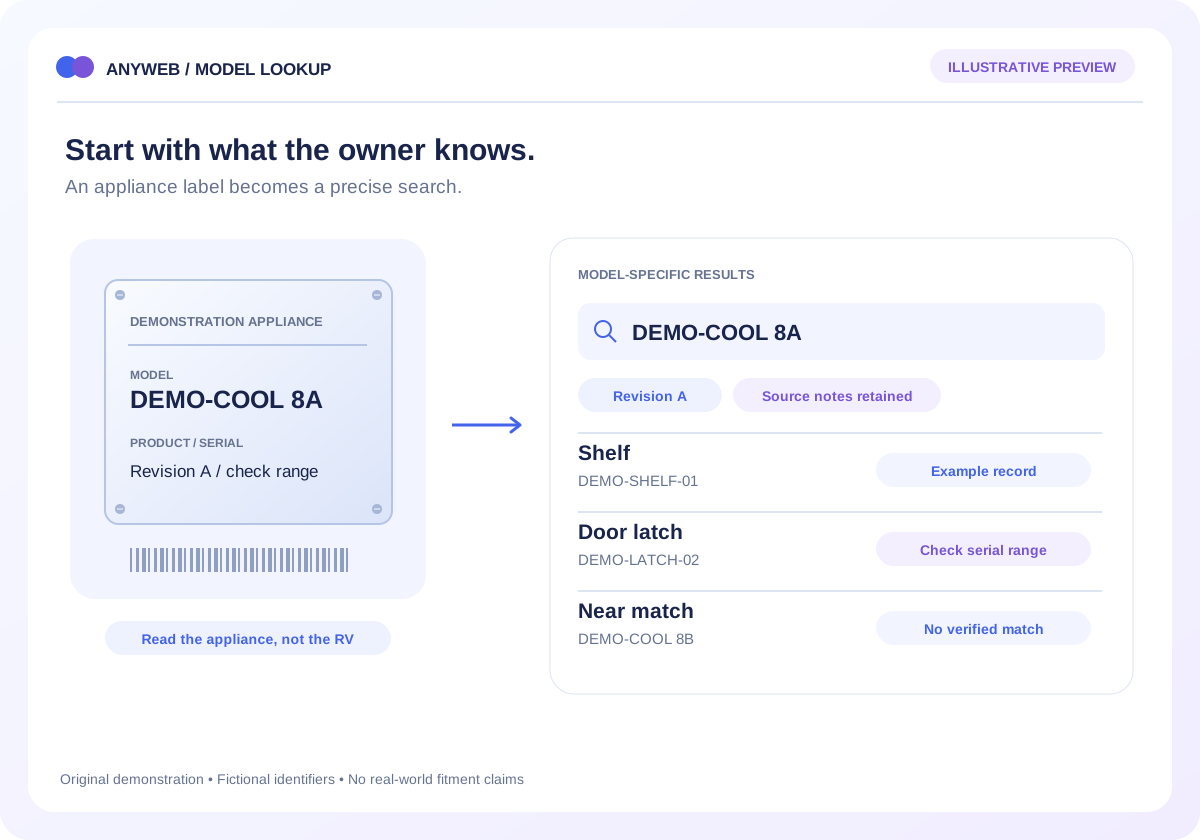
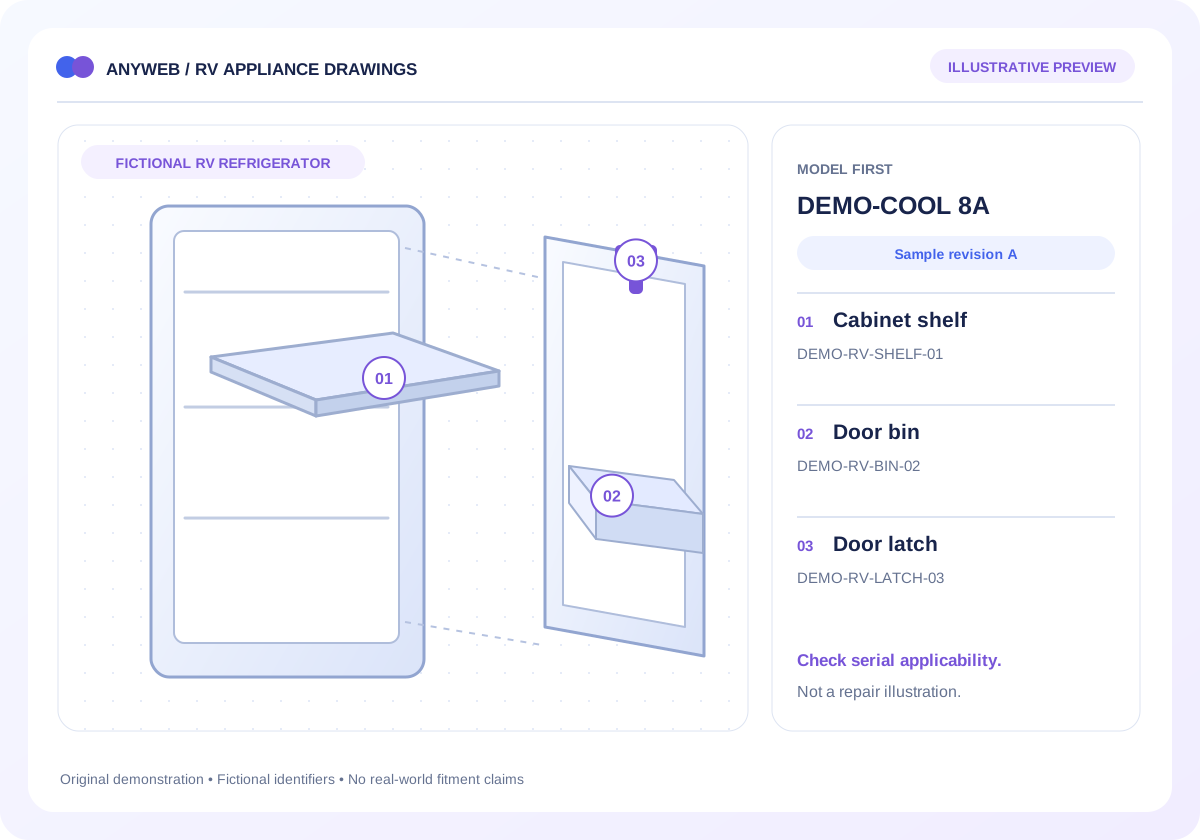
Vehicle parts may suit year, make and model browsing. RV appliance parts often need the appliance’s own model or product number because the installed appliance can differ or be replaced. We design the entry route around the component being sold.
Vehicle or equipment selection
Appliance-specific alternative path
02
Use licensed fitment relationships
ACES is a standard for exchanging aftermarket fitment information, not a universal pool of product matches. Your supplier or data provider must supply the relationships and appropriate rights; reference-database subscriptions may also be needed.
Source and licensing review
Qualifiers retained during import
03
Make exclusions visible before checkout
Show why a result is included and what still needs confirmation. An unverified combination should say that no verified match was found. It should not become a positive fitment badge simply because a product name looks relevant.
Supported and excluded variants
No match is different from not checked
04
Carry selection through the shopping journey
Keep the chosen vehicle visible while browsing and let the customer change it. Product pages should show the relevant fitment context again. Test saved selections carefully when customers switch vehicles or share a device.
Product-level compatibility context
Representative positive and negative test cases
FROM IDEA TO A WORKING PROCESS
A clear path through the work.
Each step makes the dependencies, decisions and handoffs visible.
01
Audit the source
Review a sample fitment file, identifiers, qualifiers and permitted storefront use.
02
Build dependent choices
Show only relevant year, make, model and additional configuration selections.
03
Test near matches
Check both valid combinations and deliberately excluded variants before publishing.
REAL WORK. CLEAR CONTEXT.
Explore the relevant building blocks.
These references show related experience. The solution above is a proposed direction, and its exact scope is agreed for your project.
What is possible depends on your data, existing systems and the way your business works.
Can the finder work for RVs and appliances?
Yes, with the appropriate data model. Chassis year, make and model should not substitute for an appliance identifier when the component depends on the appliance.
Where does fitment data come from?
Usually an authorized manufacturer, supplier, specialist data provider or your reviewed records. The build does not automatically grant access to a commercial fitment dataset.
Does this replace serial-number checks?
No. Keep any serial, build-date or revision restrictions required by the source. A selector should guide those checks rather than remove them.
Can a customer save their vehicle?
A saved-selection feature can be scoped. It needs a clear way to change or clear the vehicle and should never silently apply an old selection to a new purchase.
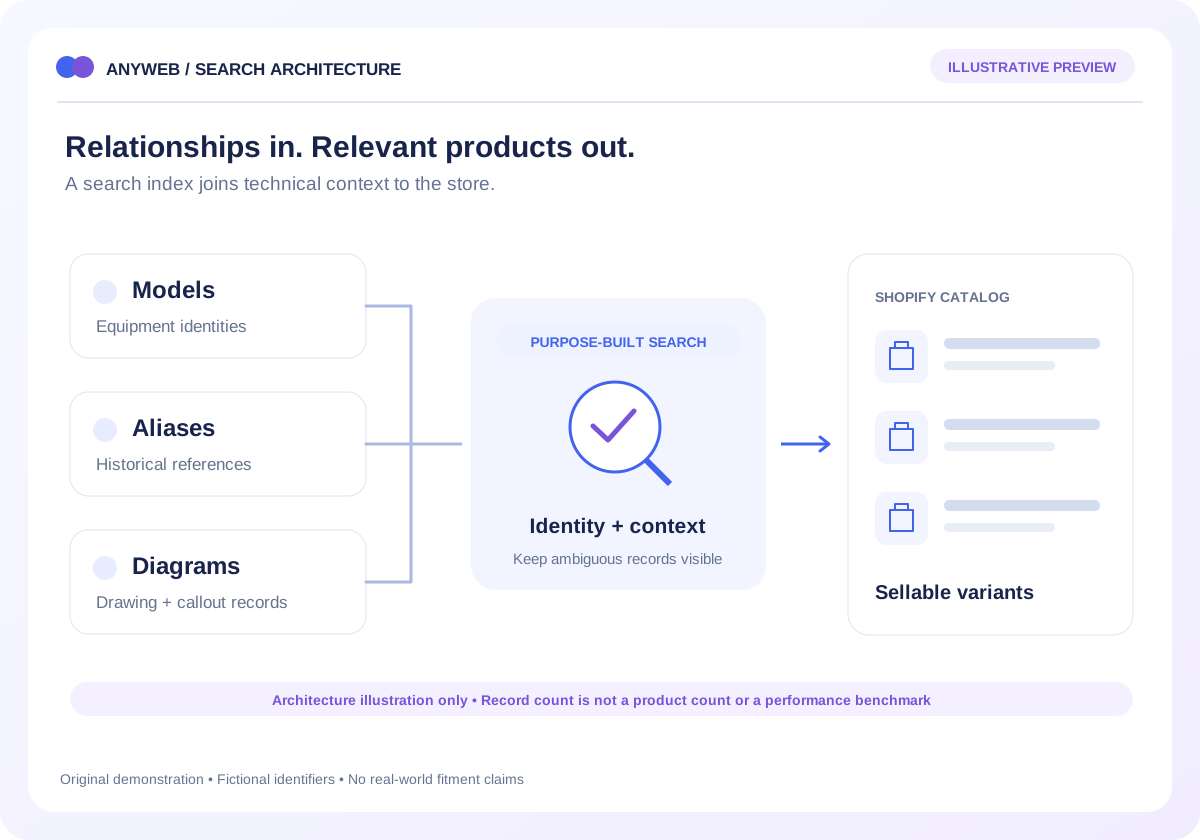
Build a model, alias and diagram lookup around a large parts dataset. Explore Anyweb’s 400,000-record RV project and scope your own search architecture.