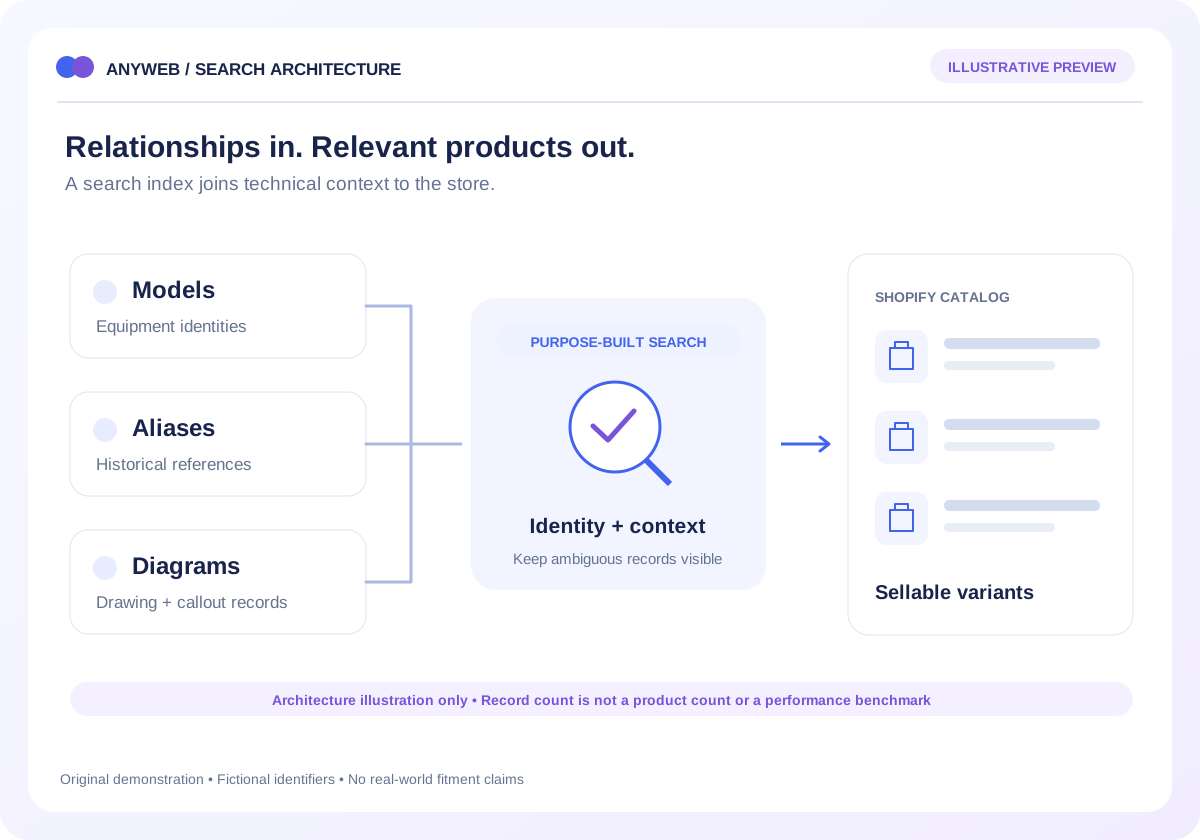
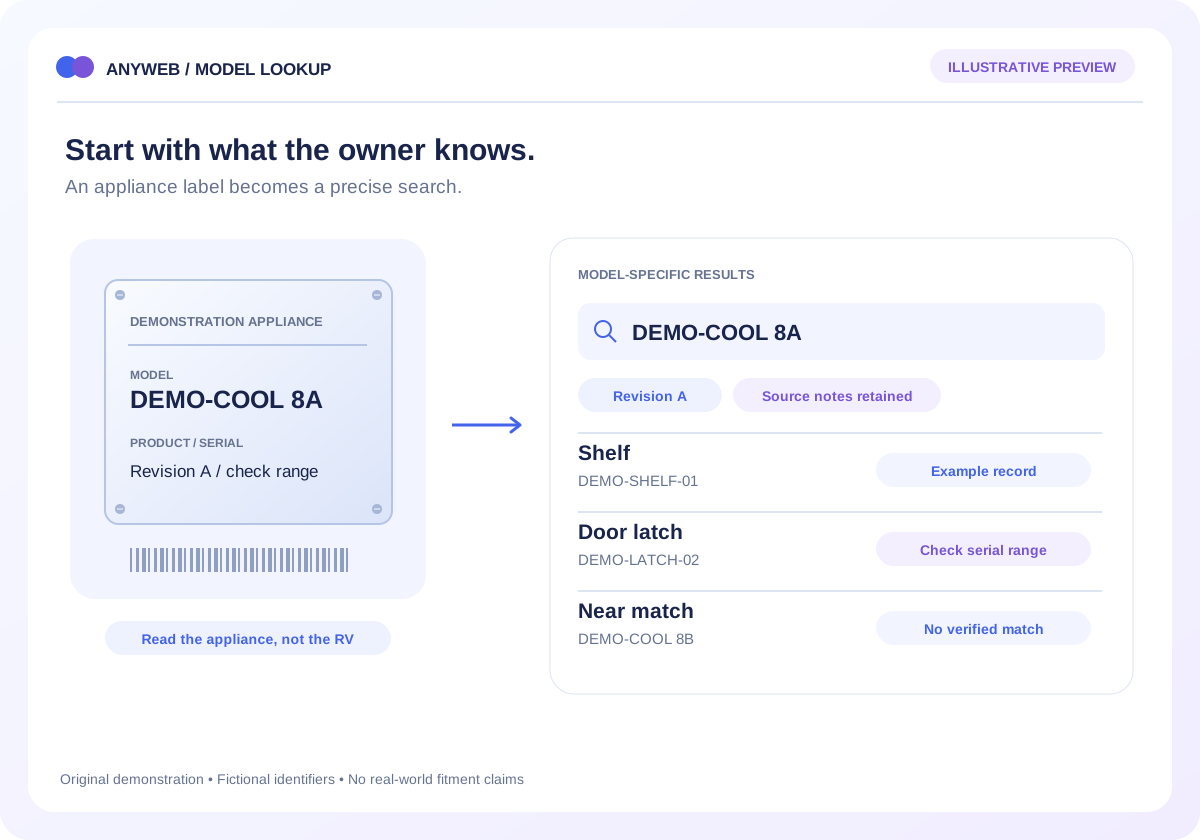
A parts dataset can contain hundreds of thousands of model relationships, aliases and diagram entries without representing that many sellable products. Anyweb can build a dedicated search layer that helps customers traverse those relationships and reach the relevant Shopify listing.
Free first look. Scope, connections and costs agreed before a production build.
OverviewRulesReview queue
Illustrative concept · Built around your business
Illustrative workspace, not live operating data
A CONCRETE FIRST LOOK
One result can join several record types
Illustrative data, designed to make the workflow easier to discuss.
SAMPLE WORKSPACE
One result can join several record types; fictional example data
Record type
Fictional identifier
Purpose
Model
DEMO-MODEL-A
Narrow the assembly
Diagram reference
DEMO-DRAW-04 / 12
Identify a component
Manufacturer part
DEMO-PART-120
Retain technical identity
Shopify variant
DEMO-STORE-120-B
Link to a sellable option
Illustrative schema, not a live query or benchmark. The case-study figure describes the existing project only.
01
Keep technical records and products distinct
Model the entities your business actually has: manufacturers, appliances, drawings, part references and store variants. Multiple model relationships can lead to the same product. Historical or discontinued references can remain searchable without becoming purchasable listings.
Stable record identifiers
Explicit links to Shopify variants
02
Choose search around real questions
Test exact part numbers, incomplete model names, aliases and category browsing. A focused external index may fit complicated relationships, while a smaller catalog may be served by Shopify features. We assess the data and user journeys before choosing.
Representative search queries
Useful zero-result and ambiguity states
03
Measure the system you will operate
Set performance targets using your record size, query mix and expected traffic. Plan incremental indexing, source freshness checks and a tested restore process. No record count by itself guarantees response time or reliable availability.
Query and mapping checks
Index freshness and failure alerts
04
Learn from a documented RV build
Anyweb’s existing RV parts lookup connects a 400,000-record database with Shopify through model pages, illustrated breakdowns and part references. That is a specific project scope, not a claim that every record was a product or a promise about your workload.
Case-study walkthrough
Sample export needed for your assessment
FROM IDEA TO A WORKING PROCESS
A clear path through the work.
Each step makes the dependencies, decisions and handoffs visible.
01
Profile the dataset
Inspect record types, duplication, licensing and the relationship between source parts and store products.
02
Prototype hard searches
Test common queries, ambiguous identifiers and records without a sellable match.
03
Validate and operate
Agree performance checks, update ownership and visible failure handling before launch.
REAL WORK. CLEAR CONTEXT.
Explore the relevant building blocks.
These references show related experience. The solution above is a proposed direction, and its exact scope is agreed for your project.
What is possible depends on your data, existing systems and the way your business works.
Will 400,000 records slow down Shopify?
Record count alone cannot answer that. Storage, index design, query shape and storefront loading all matter. Test your representative data rather than assuming a speed guarantee.
Must every fitment row become a product?
No. Fitment and model relationships can live in a separate data model that points to a smaller set of Shopify products and variants.
Can native Shopify filters handle the job?
Sometimes. Shopify documents collection and search filter limits, so we check both those limits and whether your relationships fit the native product model.
How does the index stay current?
Use permitted exports or APIs with defined refresh intervals, validation and reindexing rules. A visible last-successful-update marker helps staff identify stale results.