IDENTIFY / VERIFY / FINDIllustrative concept · Built around your business
Model dataPart recordsReviewed links
Start with the nameplate
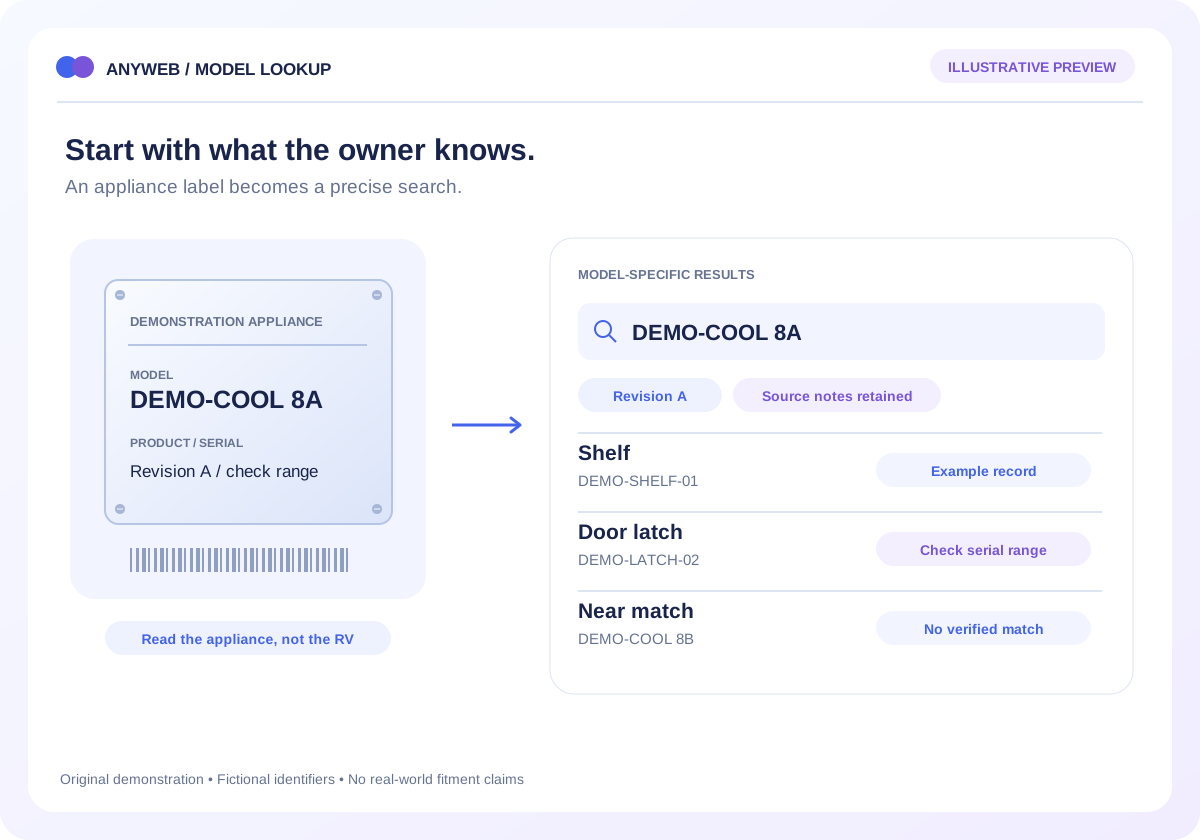
Their appliance model is the starting point.
An RV owner may know the refrigerator model but have no idea what its replacement shelf is called. Anyweb can build a model-number parts lookup that turns that useful clue into a clear, evidence-backed route through your catalog.
Free first look. Scope, connections and costs agreed before a production build.
A CONCRETE FIRST LOOK
A model lookup with a deliberate stop
Illustrative data, designed to make the workflow easier to discuss.
SAMPLE WORKSPACE
A model lookup with a deliberate stop; fictional example data
Appliance model
Part reference
Result
DEMO-COOL 8A
DEMO-SHELF-01
Example shelf record
DEMO-COOL 8A
DEMO-LATCH-02
Check serial range
DEMO-COOL 8B
DEMO-LATCH-02
No verified relationship
Illustrative fictional identifiers. This demonstrates lookup behavior, not real-world compatibility.
01
Give the nameplate a useful job
Start with a recognizable search field and explain where the identifier belongs. Keep the original model text alongside normalized search terms so spaces and punctuation do not hide a result. A nameplate photo can support staff review; it does not prove fit by itself.
Manufacturer and full model
Product number or serial range
02
Show the reason for a match
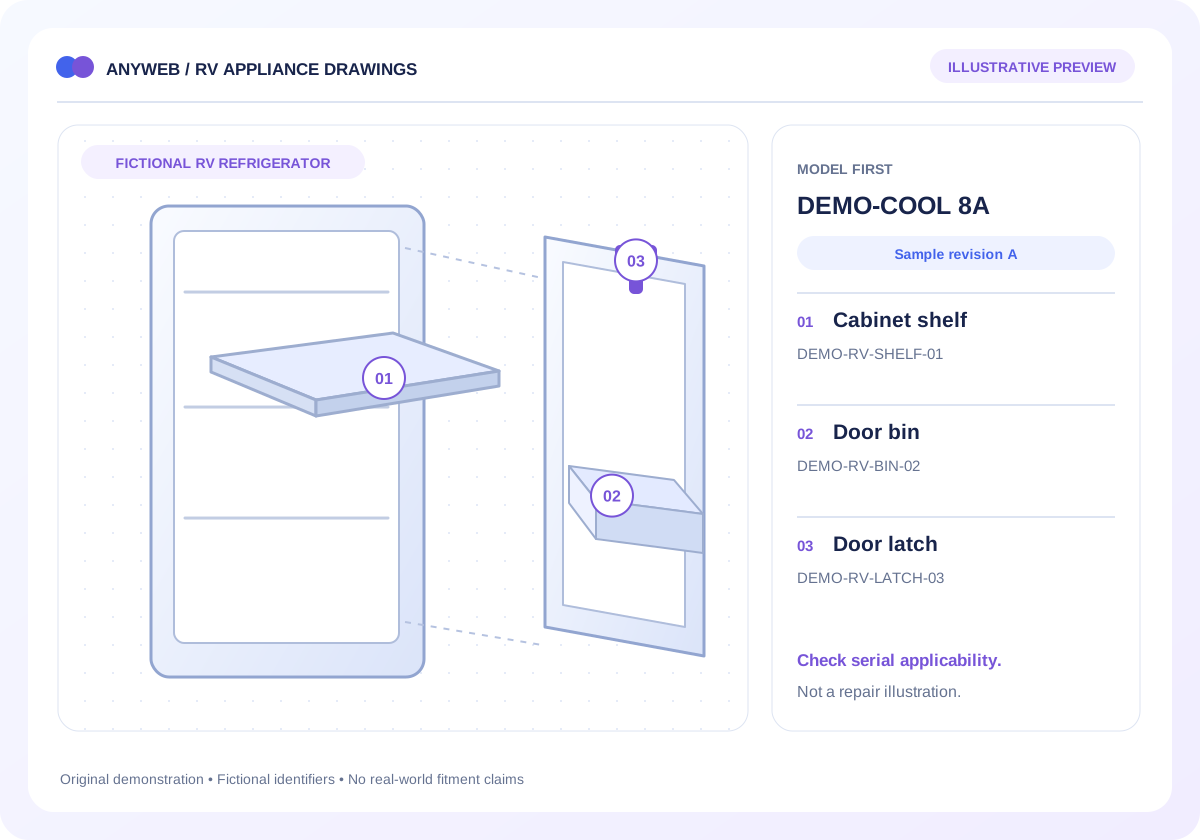
Organize results around the source parts list, drawing revision and any serial-range limits. A shopper should be able to see which appliance the list describes before choosing a component. Keep ambiguous near matches in a separate review path.
Visible revision notes
Unresolved models stay unresolved
03
Connect identification to your store
Map the identified manufacturer part to a specific Shopify product or variant. Show a useful next step when that item is unavailable, discontinued or absent from the store. A valid catalog reference is not evidence that you have stock.
Product mapping and availability
Documented replacement relationships
04
Bring a small, authorized sample
A practical assessment starts with several model records, their source parts lists and a product export. We check the rights to display that information and identify missing fields before estimating a broader import.
Source owner and permitted use
Sample questions your counter staff receive
FROM IDEA TO A WORKING PROCESS
A clear path through the work.
Each step makes the dependencies, decisions and handoffs visible.
01
Identify
Collect the appliance model and any identifiers required by its source documentation.
02
Narrow
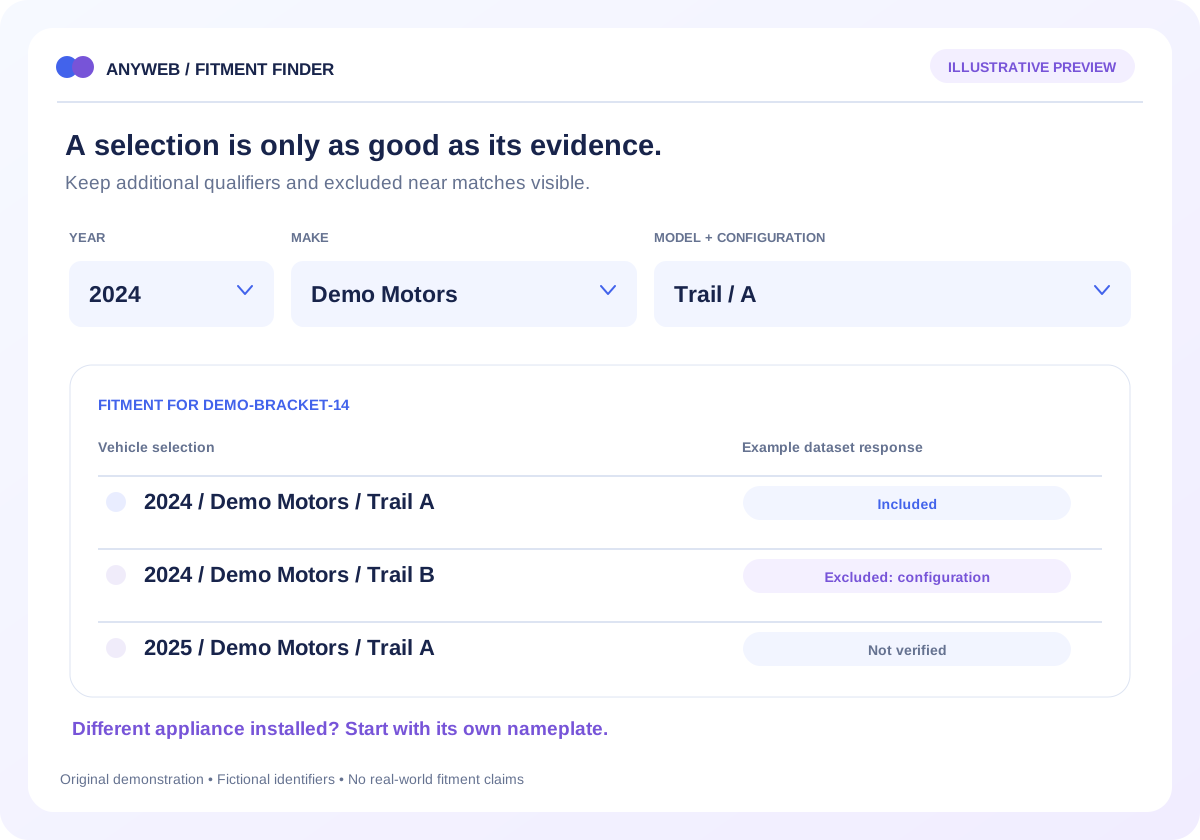
Apply model, revision and serial-range rules before showing related components.
03
Continue
Open the matched product or send an unresolved identification request to staff.
REAL WORK. CLEAR CONTEXT.
Explore the relevant building blocks.
These references show related experience. The solution above is a proposed direction, and its exact scope is agreed for your project.
What is possible depends on your data, existing systems and the way your business works.
Will RV year, make and model identify the part?
Sometimes it narrows the category. Appliance replacement parts often need the appliance identifier and revision; a vehicle selection should not bypass those checks.
Can customers search by serial number?
Yes, when your authorized source supplies a serial-range relationship. Otherwise the serial can accompany a request for human review without inventing a match.
What happens when a model is missing?
Offer a clearly labeled request form and retain the search context. New relationships should be verified before they enter the searchable catalog.
Do you supply the manufacturer data?
Data access is scoped separately. You need a usable, authorized source; a lookup build does not automatically include manufacturer subscriptions or reproduction rights.