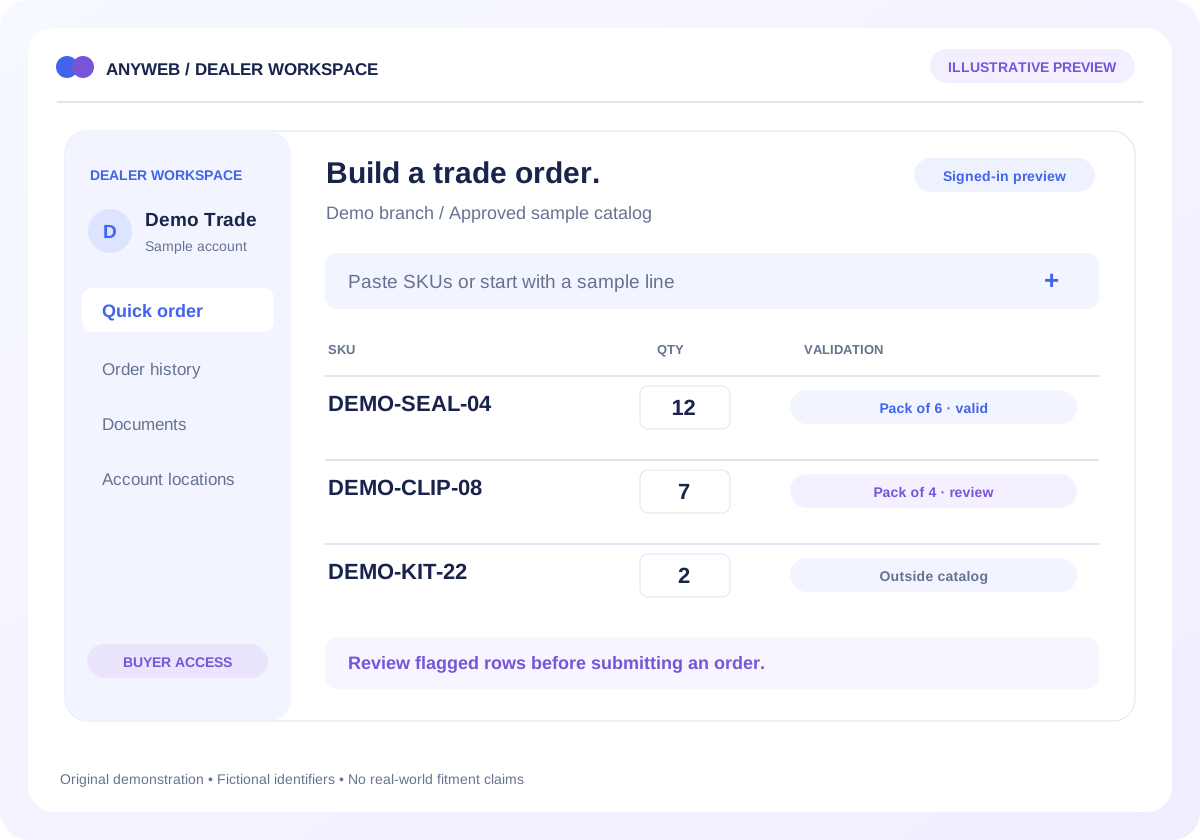
Your purchasing team should not need several dealer portals open to understand one product. Anyweb can build a staff-only dashboard that aligns authorized supplier offers with a master SKU, shows data freshness and explains the conditions behind each buying option.
Free first look. Scope, connections and costs agreed before a production build.
OverviewRulesReview queue
Illustrative concept · Built around your business
Illustrative workspace, not live operating data
A CONCRETE FIRST LOOK
The cheapest quote is not always ready to use
Illustrative data, designed to make the workflow easier to discuss.
SAMPLE WORKSPACE
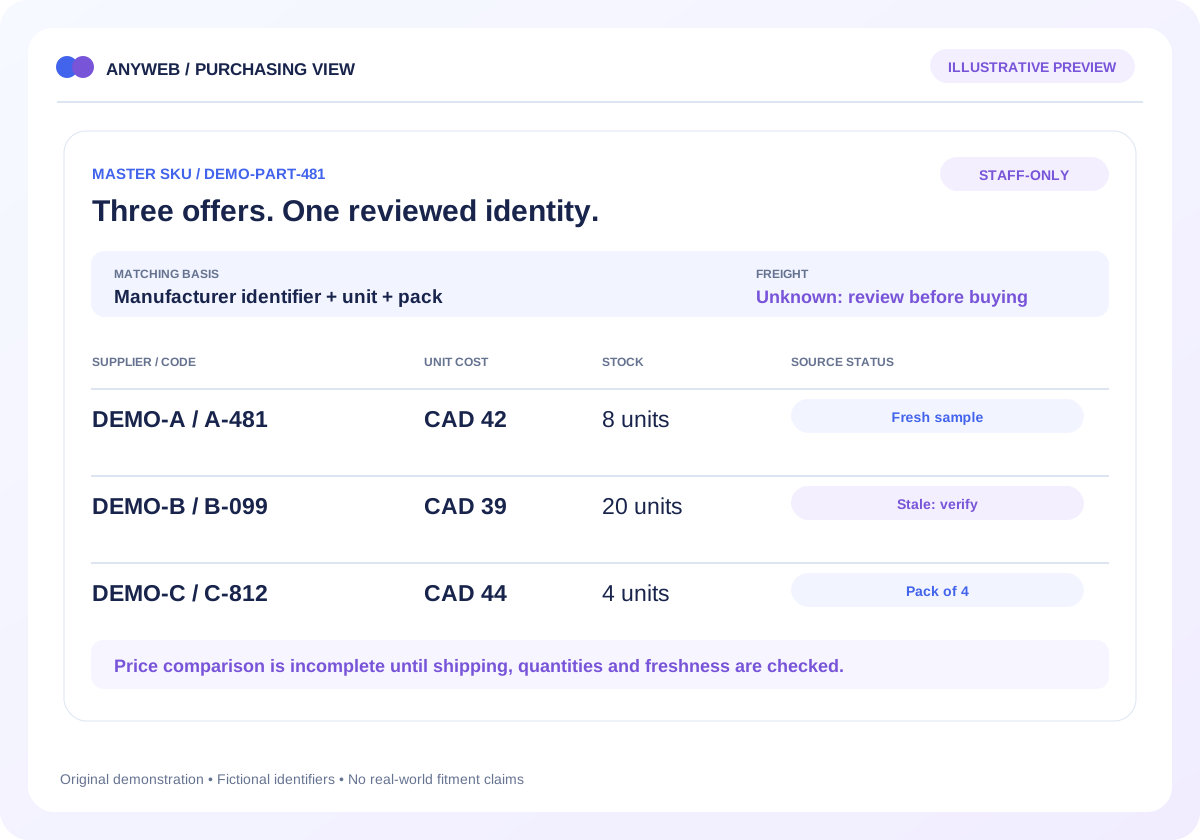
The cheapest quote is not always ready to use; fictional example data
Fictional supplier code
Unit cost / reported stock
Decision context
DEMO-A / A-481
CAD 42 / 8 units
Fresh sample; freight unknown
DEMO-B / B-099
CAD 39 / 20 units
Sample feed stale; verify first
DEMO-C / C-812
CAD 44 / 4 units
Fresh sample; pack of 4
Invented suppliers, codes, quantities and CAD costs. No private wholesale information or live availability is shown.
Try a stock buffer
Move the controls to see one possible inventory rule.
Sample quantity to publish15
Supplier quantity minus the safety buffer, never below zero.
Local simulation only. No supplier or Shopify connection. A buffer reduces exposure; it cannot guarantee stock or prevent every oversell.
01
Resolve the product before comparing offers
Keep supplier codes in their own namespaces and link them to the reviewed manufacturer part and Shopify variant. Pack quantities and units must agree. Ambiguous code matches should stay outside automatic recommendations.
Supplier-specific identifiers
Unit and pack normalization
02
Show what each quantity means
A supplier feed may report warehouse stock, an availability band or a backorder estimate. Keep those meanings distinct from Shopify’s sellable inventory. Display the source timestamp and retrieval status beside the quantity.
Reported stock versus available to sell
Fresh, delayed and unavailable states
03
Make landed-cost assumptions visible
Present the supplied cost and currency, then label any freight or other allowances used in comparison. If a shipping charge is unknown, leave it unresolved. Buying-source suggestions should explain their inputs and still support review.
Cost basis and minimum quantities
Editable, labeled assumptions
04
Keep wholesale information private
Authenticate staff and enforce server-side access to supplier costs and terms. Avoid embedding private values in public storefront HTML or assets. Confirm supplier permissions, refresh methods and the team responsible for exceptions.
Role-based access and audit history
Approved API or file sources only
FROM IDEA TO A WORKING PROCESS
A clear path through the work.
Each step makes the dependencies, decisions and handoffs visible.
01
Map offers
Review a sample master SKU, supplier references, pack sizes and product links.
02
Normalize carefully
Preserve source costs and stock meanings while labeling comparable values and missing inputs.
03
Review a decision
Show freshness, constraints and rationale before a staff member chooses a buying source.
REAL WORK. CLEAR CONTEXT.
Explore the relevant building blocks.
These references show related experience. The solution above is a proposed direction, and its exact scope is agreed for your project.
What is possible depends on your data, existing systems and the way your business works.
Can it compare several suppliers?
Yes, if each provides permitted data with enough identifiers to match the same item and normalize units. Each source can have its own refresh schedule.
Will shoppers see our purchase costs?
The proposed dashboard is staff-only, with access enforced on the server. Private costs should not be sent to a public browser and merely hidden visually.
What if supplier codes do not match?
Use an approved mapping table or manufacturer identifier to resolve them. Unknown or conflicting references should be reviewed before any comparison influences purchasing.
Is the dashboard real-time?
Only when the actual source and integration support that behavior. Otherwise label the update interval and timestamp, and flag stale information.
Replace manual supplier stock updates with SKU matching, stock buffers, freshness checks and controlled Shopify inventory updates built for your catalog.