Skip to content
IDENTIFY / VERIFY / FIND
Original used-part intake illustration showing an item tag, a drawn mounting-tab defect, condition notes and quantity one.
Illustrative concept · Built around your business
Model dataPart recordsReviewed links
ONE ITEM. ONE ACCURATE RECORD.

List one-of-a-kind used parts with the details buyers need.

Used inventory deserves more than a copied new-product description. Anyweb builds a workflow for the actual item: photographs, visible wear, identifiers, tested condition and a unique stock record before a quantity-one listing is published.

Free first look. Scope, connections and costs agreed before a production build.

A CONCRETE FIRST LOOK

Fictional used-part intake

Illustrative data, designed to make the workflow easier to discuss.

SAMPLE WORKSPACE
Fictional used-part intake; fictional example data
FieldRecorded factPublication check
Item IDUSED-1042Unique physical unit
ConditionCracked mounting tabPhoto and description
FunctionNot testedNo working-condition claim

Illustrative record and original diagram only. No generated image is presented as a real used item or an inspection.

01

Give the physical item its own identity

Assign an internal item ID when the part enters your process, even when no readable barcode exists. Link that ID to its storage location, photos and listing. Manufacturer part numbers describe the component family; your item ID tracks the individual piece you actually hold.

02

Document condition instead of guessing

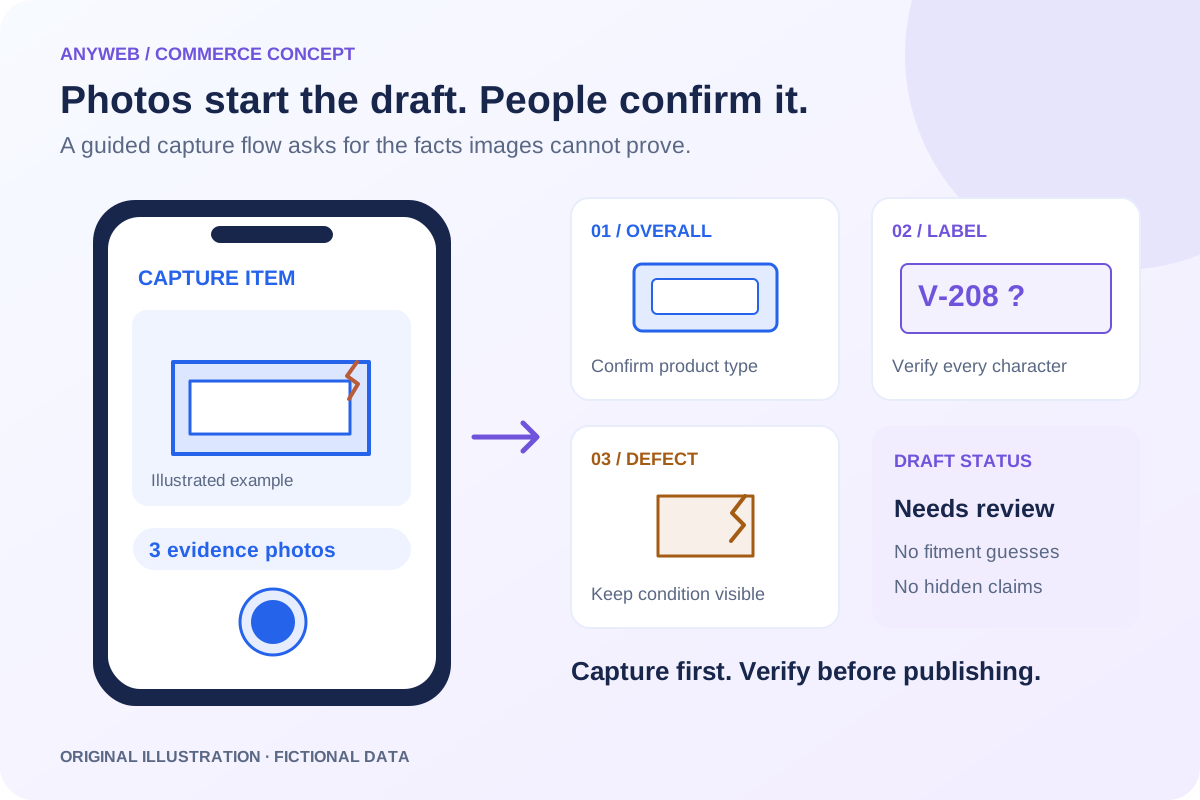
Capture the exact item from several angles, including labels and defects. Separate visible condition, recorded testing and unknown history. A photo cannot establish electrical function or hidden damage. A listing should say what was checked and what remains unverified.

  • Actual-item photos and defect notes
  • Testing status separate from visual condition
03

Collect fitment evidence carefully

Record manufacturer identifiers, model labels and useful dimensions. Keep compatibility claims tied to a reliable source or staff verification. Similar appearance is not proof of interchangeability, and a known donor appliance does not prove every revision uses the same replacement part.

04

Make quantity one behave like quantity one

Track availability and disable selling after stock reaches zero unless a deliberate exception exists. Cross-store sales need shared-stock controls and latency handling. Decide whether a sold listing stays visible for reference, is archived or points shoppers to an appropriate category.

FROM IDEA TO A WORKING PROCESS

A clear path through the work.

Each step makes the dependencies, decisions and handoffs visible.

  1. 01

    Tag and photograph

    Create a unique item record and capture the actual part, labels and defects.

  2. 02

    Complete the condition record

    Enter measurements, test status, fitment evidence and missing components.

  3. 03

    Review the single-unit listing

    Approve the details, stock location and sold-item behavior before publishing.

REAL WORK. CLEAR CONTEXT.

Explore the relevant building blocks.

These references show related experience. The solution above is a proposed direction, and its exact scope is agreed for your project.

BEFORE YOU START

The useful questions.

What is possible depends on your data, existing systems and the way your business works.

What if there is no barcode?

Create a unique internal item ID and collect any readable manufacturer references. Missing identification is flagged rather than replaced with a guessed part number.

Can it store defects and condition photos?

Yes. The record can require specific angles and defect notes, then carry approved evidence into the product description and image gallery.

Can it mark an item sold across stores?

With supported integrations and shared-stock rules, yes. Concurrent checkout and update delay still require safeguards; absolute oversell prevention is not promised.

Can similar parts share a listing?

Only when the condition and selling model genuinely support it. Distinct one-off items often need separate records to preserve their own photographs, defects and stock identity.

FREE DEMO BEFORE YOU COMMIT

Let’s make the first version useful.

Bring the current workflow and the result you want. We’ll review the dependencies and shape a free demo or concept before you decide on the build.

No upfront payment for the demo. No obligation to continue.
Technical references and further reading

Provider documentation helps define scope. Availability, terms and product capabilities should be checked again for your exact configuration.