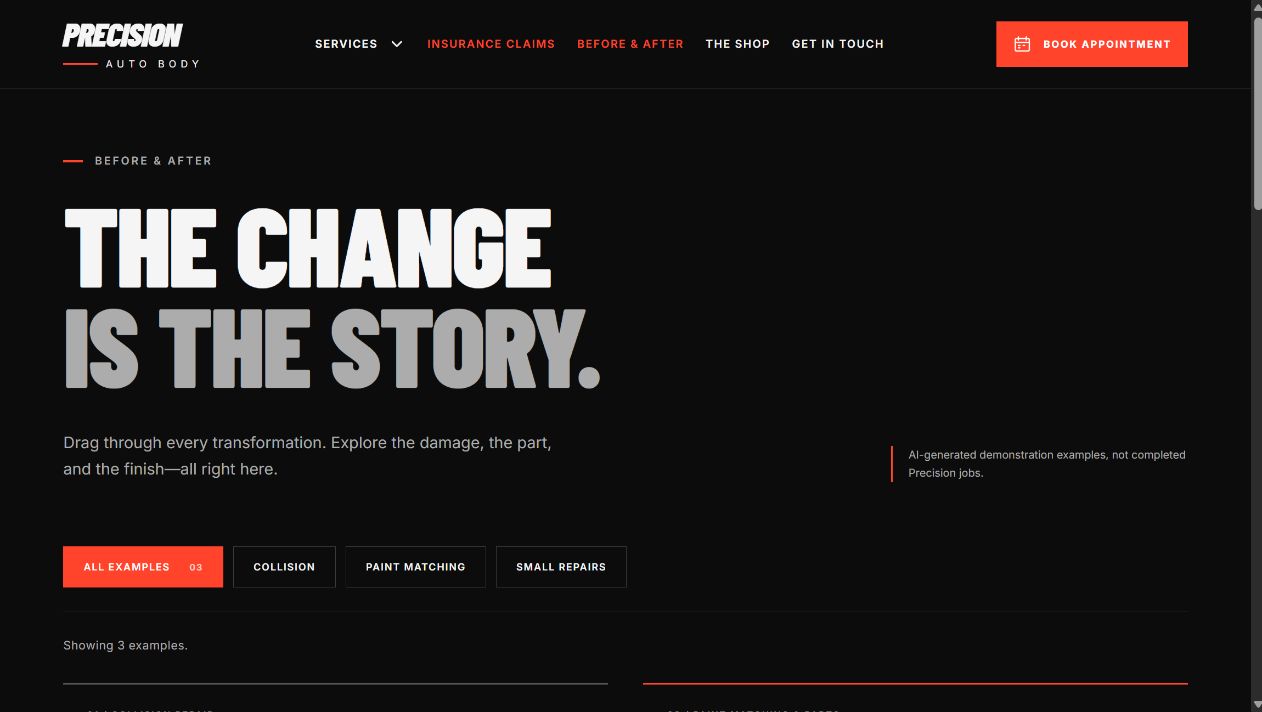
Give drivers a clear next step after a collision, a parking-lot scrape or paint damage. Anyweb builds your auto body website around the repairs you do, the work you can show and the way your shop handles new inquiries.
Any feature can be added or removed to suit your exact business.
Based in Alberta. Building for businesses across Canada. Free initial preview. Scope and price agreed before paid work.
● ● ●Working website example
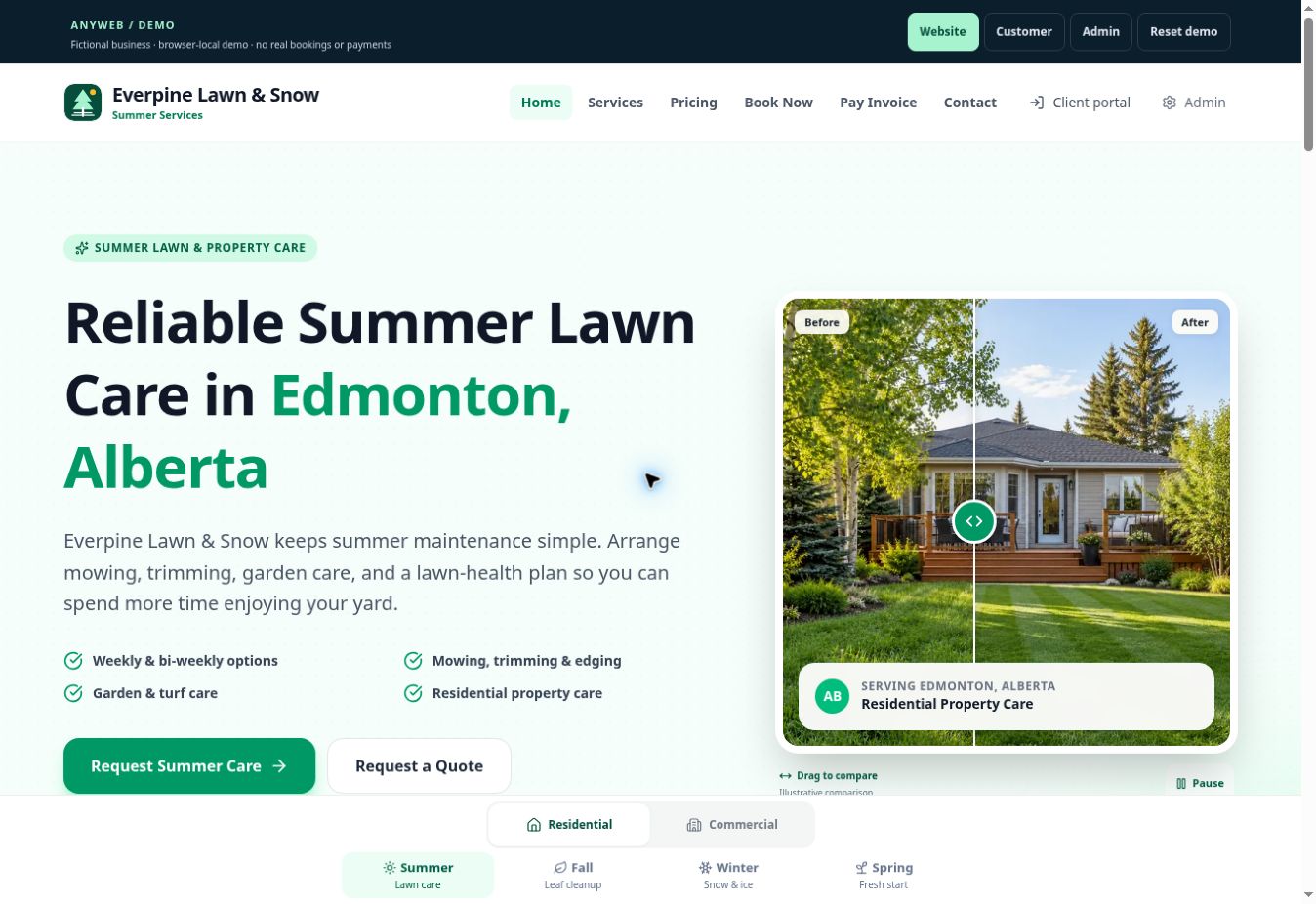
Explore the design, service pages and customer journey. Your finished website uses your business details.
BUILT FOR YOUR KIND OF BUSINESS
Your next customer needs confidence before they call.
A driver comparing body shops wants to know whether you handle their damage, how to start an estimate, and what the repair process involves. A gallery alone cannot answer all of that. This website connects service information, visible workmanship and a simple inquiry path, so your team can start with a better-informed conversation.
A good fit for: Independent body shops, collision repair centres, automotive paint specialists and dent repair businesses.
CHOOSE WHAT YOUR SITE NEEDS
The features behind a more useful website.
Use the example as a starting point. Your final pages, tools and connections are chosen for your business.
01
Repair pages that explain the work
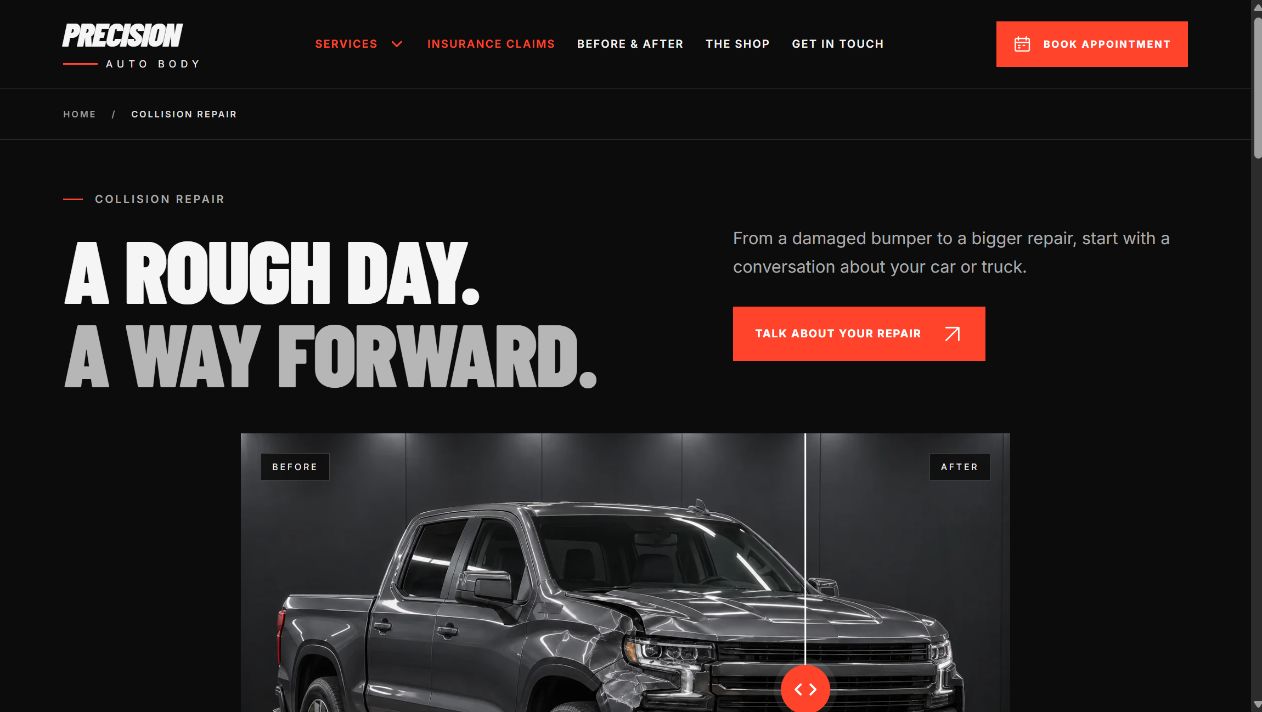
Give collision repair, paint matching, dents, scratches and bumper repairs their own useful pages. Explain what you assess, what the customer should bring and when an in-person inspection is needed. Keep only the services your shop offers.
02
Before-and-after proof
Let people inspect repair transformations with an interactive comparison gallery. Replace the concept imagery with your own approved job photos and add short notes about the damage, repair and finish.
03
Estimate and assessment requests
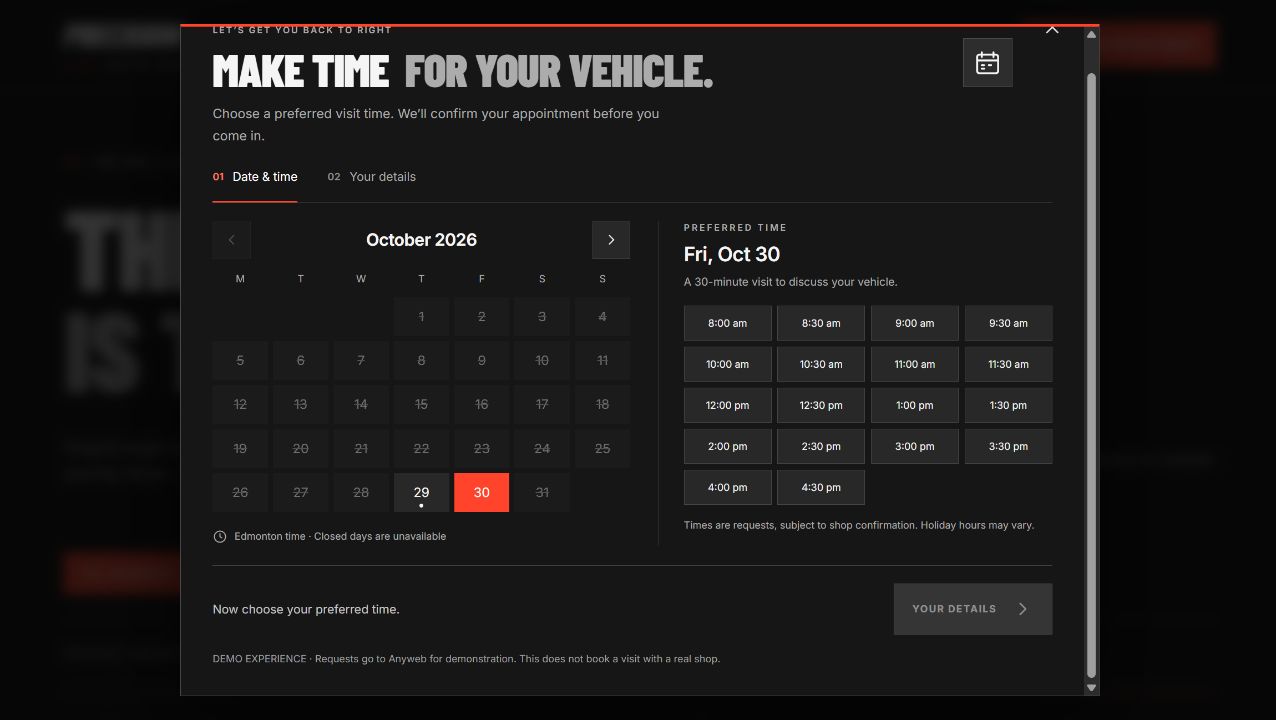
Collect the vehicle, repair type, contact details and preferred assessment time in an organized flow. The example uses requested times; live availability and confirmed bookings can be added if they fit your scheduling process.
04
Helpful insurance information
Explain your shop’s actual claims process, documents and customer responsibilities in plain language. Publish insurer relationships or certifications only when they are accurate for your business.
05
Mobile contact that stays within reach
Give visitors clear call and appointment actions on their phones. Show your location, business hours and after-hours instructions so a customer can choose the right way to reach the shop.
06
A site built around your identity
Use your shop name, colours, team, facility photos and repair specialties. Add real customer testimonials with permission, your warranty details and the credentials you can substantiate.
Demonstration website with sample branding and content. Images, reviews and business details shown in the example are not evidence of a real client’s results. Your launch content is tailored and verified for your business.
FROM FIRST VISIT TO INQUIRY
A clear next step for your customer.
1
Find the relevant repair
A visitor opens the collision, paint or minor-damage page and sees whether your shop is a fit.
2
Look at your work
Repair photos, accurate credentials and your process help them decide whether to get in touch.
3
Request an assessment
They call or send their vehicle and damage details. Your team confirms the next step and any appointment.
THE EXAMPLE IS ONLY THE START
Add it. Remove it. Make it work for you.
Your website should reflect the business you actually run. Every feature can be added, removed or adapted—from a service category to the entire booking approach.
Only do paint and minor body repairs? Remove collision or insurance sections. Prefer every inquiry by phone? Replace the calendar with a call or callback request.
Expand the intake
Photo uploads, multiple locations, towing information, fleet inquiries or a live scheduling connection can be scoped into your build. Photo upload is an optional addition to this demo.
Connect your shop
Discuss where inquiries should arrive and which shop-management, CRM or calendar tools you use. We confirm connection options, access and costs before promising an integration.
SEARCH-FRIENDLY FROM THE FOUNDATION
Help the right people understand what you do.
We plan the published pages around the repair services you actually provide and the area your shop serves. Clear page titles, crawlable service content, useful repair photos, accurate contact information and a clean mobile experience help search engines and drivers understand your business. Your Google Business Profile and website details should agree; verified reviews and real project evidence belong on the finished site.
The finished site can include unique titles and descriptions, accessible page structure, optimized images, indexable service pages, appropriate structured data and a sitemap. Search visibility also depends on competition, content and your wider business presence; rankings are not guaranteed.
You start from a working website foundation. We adapt the agreed design, content and features, configure the selected live functions, test the experience and help launch it on your domain.
Your launch plan
Choose the direction. Share your services, audience and existing website. Review a free initial demo.
Agree the build. Confirm pages, content, features, connections, price, timeline and ongoing support.
Make it your business. Add your branding, approved images, real service details and selected tools.
Test and launch. Check mobile layouts, inquiries and agreed live features, then coordinate your domain and launch.
MONTHLY OR ONE-TIME OPTIONS
A clear scope. An agreed price.
A service website and a connected customer-management system need different budgets. Choose the features you need today, and discuss future additions before we build.
Our pricing page lists current website plan and project starting prices. Custom integrations, content needs and third-party fees are confirmed for your proposal.
Repair specialties and the services you do not offer
Your logo, approved repair photos and accurate credentials
How you handle estimates, appointments and insurance inquiries
You do not need everything ready to start. A short description of your business is enough for the first conversation.
BEFORE YOU CHOOSE
Your website questions, answered.
Can you build a website for an independent auto body shop?
Yes. We can adapt this turnkey foundation for an independent collision shop, paint specialist or dent repair business. Your site uses your own branding, service scope, location and inquiry process. You can review a free demo before committing to the paid build.
Can customers book repairs or upload damage photos?
The example provides a request flow for an initial assessment, not an automatically confirmed repair booking. Photo uploads, live calendar availability and booking rules can be added to your agreed scope. We work out how requests reach your team and what customers should be told after submitting.
Can I remove insurance claims or services my shop does not offer?
Yes. Any feature or section can be added, removed or changed to suit your exact business. A smaller shop can launch with a focused set of repair pages and phone inquiries; another may need multiple locations, fleet work or a larger intake form.
Will the website use my own before-and-after photos?
Yes. The demo uses concept imagery to show the layout. Your approved repair photos, team images and accurate job descriptions should replace it for launch. We can organize your gallery by repair type and help decide which images explain the work best.
How much does an auto body shop website cost?
The price depends on your pages, content and features. Anyweb offers monthly website plans and one-time projects; see our pricing page for current starting prices. A focused service website and a site with live scheduling or shop-system integrations have different scopes. We provide an agreed price before paid work begins.
Can you replace my current website and keep my domain?
Yes. We review the existing pages and domain setup, plan redirects for valuable old URLs and agree the launch steps. Existing business email and any connected systems need to be accounted for. Domain, hosting and support responsibilities are confirmed in the proposal.
FREE DEMO BEFORE YOU COMMIT
See what this could look like for your business.
Tell us what you do and which features you want. We’ll shape a free initial demo, then agree the finished scope before you commit.